

Close Menu
New York Daily News Online
    Facebook X (Twitter) Instagram Pinterest YouTube
    Facebook X (Twitter) Instagram YouTube TikTok
    New York Daily News OnlineNew York Daily News Online
    • Home
    • US News
    • Politics
    • Business
    • Technology
    • Science
    • Books
    • Film
    • Music
    • Television
    • LifeStyle
    • Contact
      • About
      • Amazon Disclaimer
      • DMCA / Copyrights Disclaimer
      • Privacy Policy
      • Terms and Conditions
    New York Daily News Online
    Home»Technology

    What Is A VESA Mount And How To Know What Type Your TV Has

    AdminBy AdminAugust 24, 2026 Technology
    Facebook Twitter Pinterest LinkedIn Tumblr Email Reddit

    The VESA dimensions tell you where the mounting holes line up, but you still need to check the mount’s weight limit and hardware.
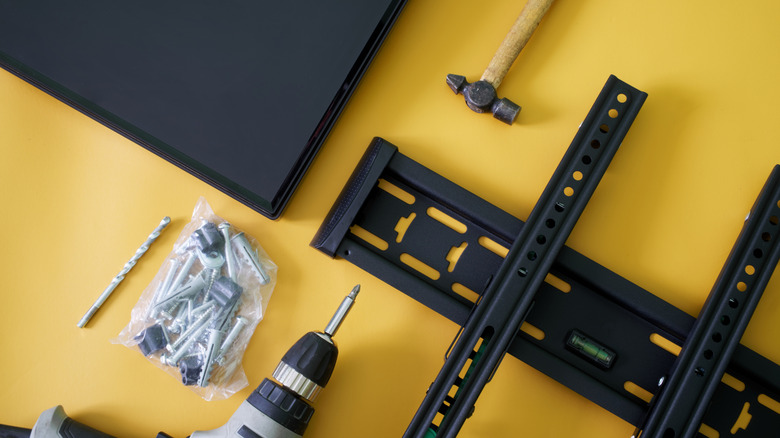

    TV wall-mounting hardware and tools laid out beside a flat-screen TV on a yellow surface.
    Slexp880/Getty Images

    Thankfully, VESA 400 × 400 isn’t another TV resolution you need to learn. VESA stands for Video Electronics Standards Association, and in TV-mount shopping, a VESA size or VESA pattern describes the spacing between the mounting holes on the back of a TV or display. A VESA mount isn’t one particular style of bracket; it simply supports one or more of those standardized patterns.

    What does a VESA size such as 200 × 200 mean?
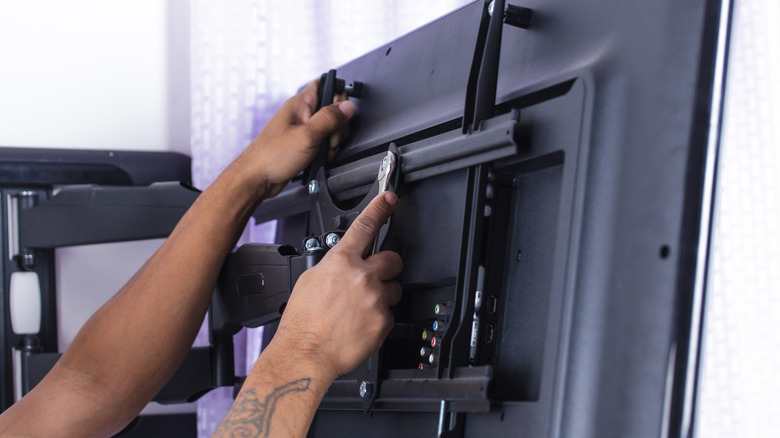

    Person tightening the mounting brackets on the back of a flat-screen TV attached to an articulating wall mount.
    Naypong/Getty Images

    Look at the back of a typical mountable TV and you’ll find threaded mounting holes, usually arranged in a square or rectangle. The VESA pattern describes the distance between those holes, measured in millimeters.

    The first number is the horizontal distance and the second is the vertical distance. So a TV with a 400 × 200 pattern has mounting holes spaced 400mm apart from left to right and 200mm apart from top to bottom. A 200 × 200 pattern measures 200mm in both directions.

    The VESA numbers don’t describe the TV’s resolution or screen dimensions. Larger TVs often use larger mounting patterns, but screen size alone doesn’t tell you which pattern a particular model uses. Checking your exact TV model is more reliable than guessing from its screen size.

    You also don’t need a mount limited to that exact VESA size. Many mounts support multiple VESA patterns, so you don’t need a bracket labeled only for your exact size. Your TV’s pattern just needs to appear on the mount’s list of supported patterns.

    How to find your TV’s VESA pattern
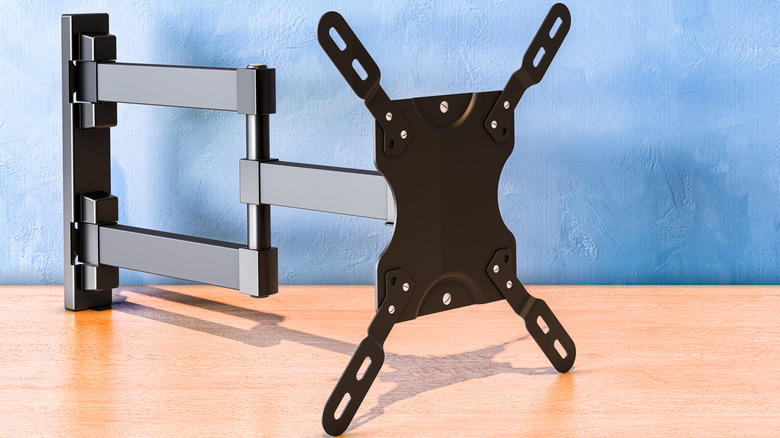

    TV wall mount with adjustable arms and a VESA mounting plate.
    Natatravel/Getty Images

    The easiest method doesn’t require a ruler at all. Look up the exact TV model in its manual or on the manufacturer’s support page and find the wall-mount or VESA specifications. Manufacturers commonly list the mounting-hole pattern in millimeters.

    If you can’t find the specification, you can measure the mounting holes yourself. Measure from the center of one mounting hole to the center of the corresponding hole horizontally, then do the same vertically. Write the result as horizontal × vertical, in millimeters.

    For example, if the mounting holes are 400mm apart horizontally and 200mm apart vertically, the TV has a 400 × 200 VESA pattern. Measure in millimeters so you can compare the result directly with the mount’s specifications.

    A matching VESA pattern isn’t enough
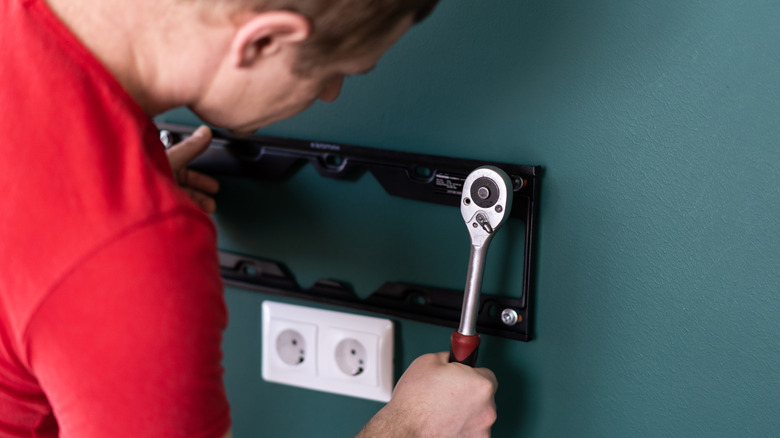

    Person using a ratchet to secure a TV wall-mount bracket to a wall.
    Zayatssv/Getty Images

    A matching VESA pattern tells you the bracket can line up with the TV’s mounting holes. It doesn’t tell you whether the mount can safely hold the TV, so the next specification to check is its weight limit.

    Compare the mount’s maximum load with the weight of your TV. A bracket can support the correct VESA pattern and still be unsuitable for a TV that’s too heavy.

    You should also check the hardware required by your TV. VESA compatibility also says nothing about how the bracket should attach to the wall. Once you’ve confirmed the pattern and weight rating, use the TV manufacturer’s instructions to check the required mounting screws and follow the mount manufacturer’s instructions for attaching the bracket to the wall.

    Read the original article here

    Share. Facebook Twitter Pinterest LinkedIn Tumblr Email Reddit

    you might also be interested in...

    Zillow Settles Antitrust Lawsuit With The FTC

    These Modern Smartwatches Are In Their Last Year Of Updates

    If Waymo Cars Are Level 4 Automation, What Does It Take To Be A Level 5?

    Before You Buy A Used GameCube, Check For This Common Issue

    Apple Reportedly Cut More Than 200 Jobs Across Vision Pro And Siri Software Teams

    Walmart Will Finally Accept Tap To Pay In Stores By The End Of 2026

    Popular Posts

    Zara Larsson and PinkPantheress Finally Perform “Stateside” Live

    What’s next for ISR in space

    Iran warns of Hormuz ship seizures ahead of Bessent’s planned sanctions push

    The Most Read Books on Goodreads This Week

    Dress Code: Suitsupply | FashionBeans

    United needs to decide what to do with its old Boeing 737 Max 10 seats

    Categories
    • Books (2,246)
    • Business (3,176)
    • Cover Story (52)
    • Events (86)
    • Feature (4)
    • Film (1,693)
    • LifeStyle (2,312)
    • Music (2,616)
    • Politics (2,104)
    • Science (2,537)
    • Technology (2,480)
    • Television (2,619)
    • Uncategorized (34)
    • US News (3,018)
    Archives
    Useful Links
    • Contact
    • About
    • Amazon Disclaimer
    • DMCA / Copyrights Disclaimer
    • Privacy Policy
    • Terms and Conditions
    Facebook X (Twitter) Instagram YouTube TikTok
    © 2026 New York Daily News Online. All rights reserved. All articles, images, product names, logos, and brands are property of their respective owners. All company, product and service names used in this website are for identification purposes only. Use of these names, logos, and brands does not imply endorsement unless specified. By using this site, you agree to the Terms of Use and Privacy Policy.

    Type above and press Enter to search. Press Esc to cancel.