

Close Menu
New York Daily News Online
    Facebook X (Twitter) Instagram Pinterest YouTube
    Facebook X (Twitter) Instagram YouTube TikTok
    New York Daily News OnlineNew York Daily News Online
    • Home
    • US News
    • Politics
    • Business
    • Technology
    • Science
    • Books
    • Film
    • Music
    • Television
    • LifeStyle
    • Contact
      • About
      • Amazon Disclaimer
      • DMCA / Copyrights Disclaimer
      • Privacy Policy
      • Terms and Conditions
    New York Daily News Online
    Home»Technology

    How To Use Meta Display Glasses While Driving With The Audio Only Feature

    AdminBy AdminSeptember 15, 2026 Technology
    Facebook Twitter Pinterest LinkedIn Tumblr Email Reddit
    How To Use Meta Display Glasses While Driving With The Audio Only Feature

    The feature turns off the display entirely.
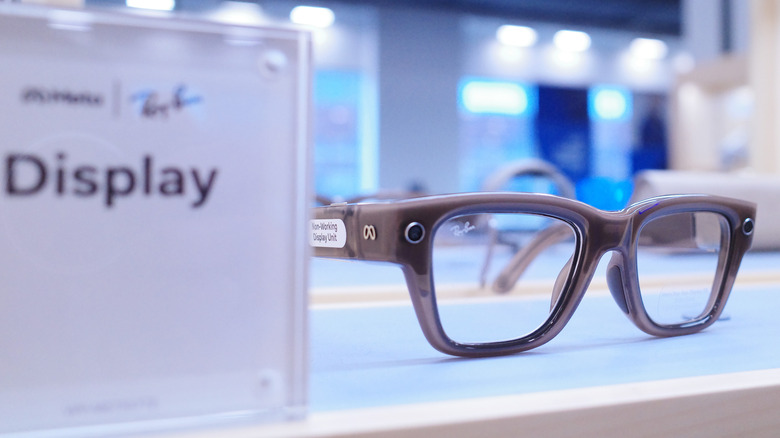

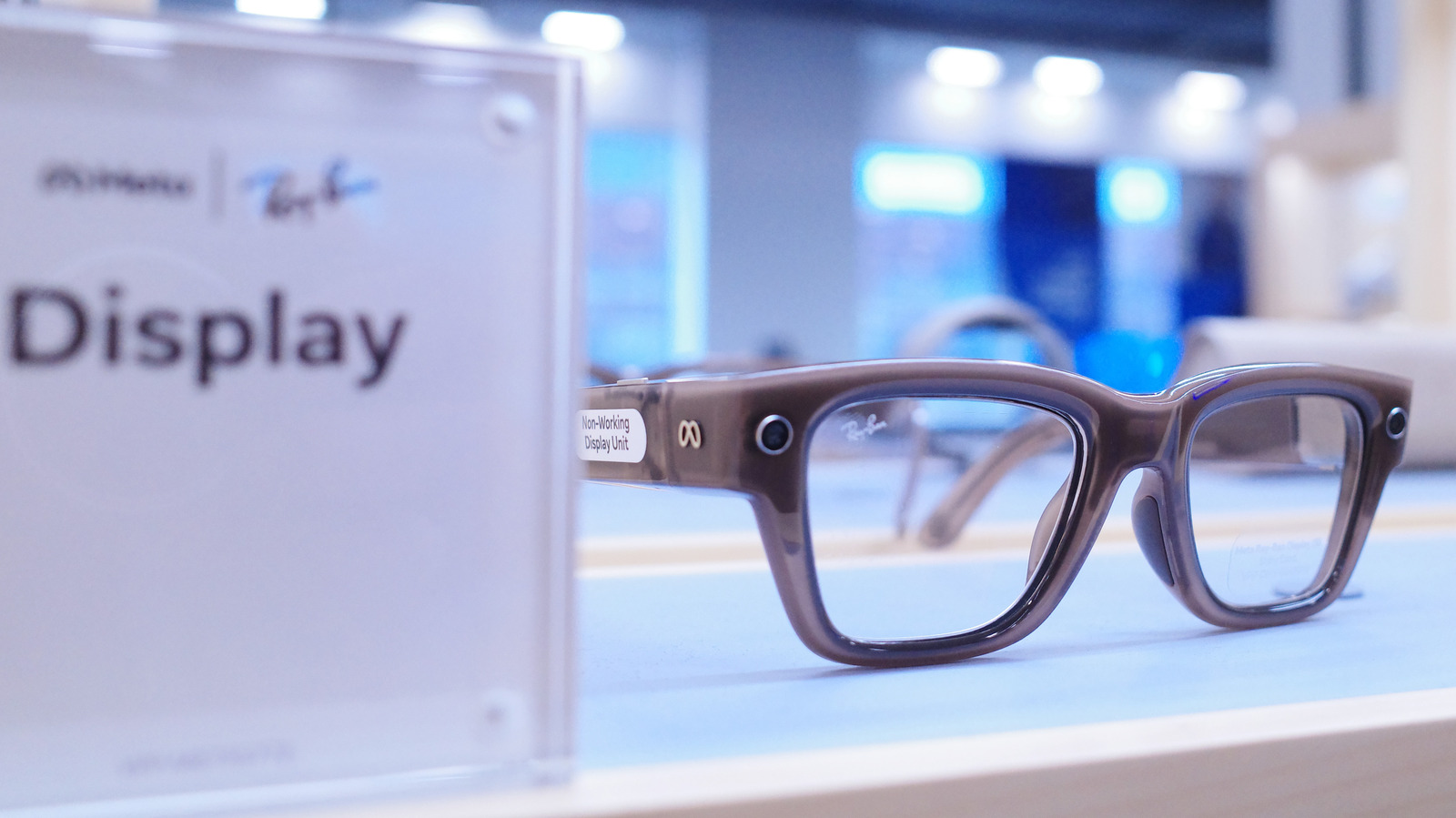
    Meta Display glasses.
    Michael M. Santiago/Getty Images

    Smart glasses are quietly becoming part of some people’s daily routines for things like checking notifications and making calls. Being able to do that without having to pick up your phone is really useful sometimes. But behind the wheel, that same convenience turns into a distraction fast, especially if you have one of those with a built-in display. But that doesn’t mean you have to take off your Meta Ray-Ban Display as soon as you get in the car.

    Unfortunately, Meta Display glasses were not designed to provide real-time driving directions. But if you want to keep using them in your car without getting distracted, you just need to switch them to Audio Only mode. With this mode on, the display on the glasses turns off completely. It’s almost as if you were turning them into regular Meta Ray-Ban AI glasses. You still have hands-free audio for calls and quick voice commands, but without any visual distractions.

    Setting up driving detection on your Meta Display glasses
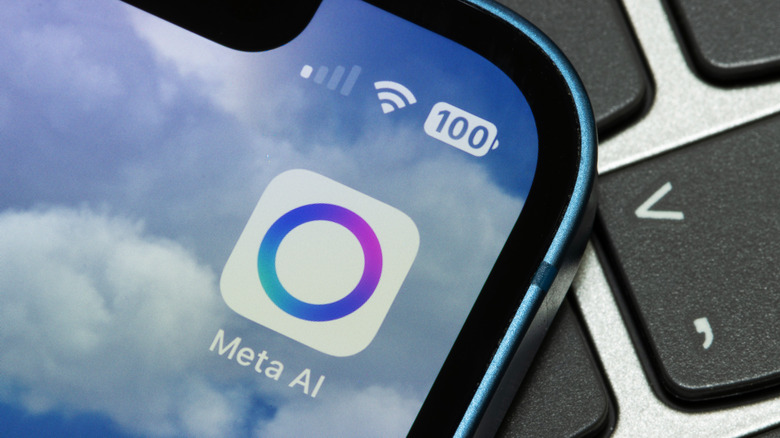

    Meta AI app.
    Tada Images/Shutterstock

    Changing these settings is quite easy and you don’t have to remember to switch modes every time you get in the car. The Meta AI app includes a Driving Detection feature that handles the heavy lifting for you. When the feature is on, the glasses use their internal sensors to detect when you’re in a moving vehicle. Once the glasses realize you’re driving, they automatically disable the display.

    Setting it up only takes a few seconds. To do this, open the Meta AI app on your phone. Go to Settings, select your glasses and tap Device Settings. From there, turn on Audio Only and toggle Driving Detection to active. The glasses will handle the rest. Once you reach your destination and step out of the car, the display will turn back on automatically.

    The Meta AI app may ask you for special permission before enabling this feature. That’s because the app also needs access to your phone’s sensors to work. You can also switch modes manually if you want. Just say “Hey Meta, turn on/off audio only.”

    Meta glasses were not designed for driving navigation
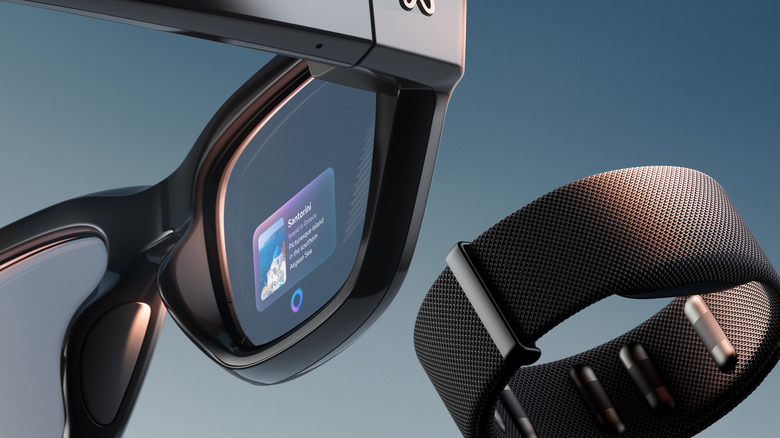

    Meta Display glasses.
    Meta

    If you’re still wondering whether you can use Meta for driving directions somehow, the answer is no. These glasses currently only support pedestrian navigation. The interface is not really designed for high-speed travel and it lacks the real-time traffic updates, lane guidance and complex mapping you need on the highway. You should probably stick with the GPS on your phone or your car’s built-in navigation system for driving directions.

    Although safety is the obvious reason to use Audio Only mode, there are some other benefits too. Turning off the display while you drive can save some battery for when you really need it. Besides, it’s always good to take a break from screens and excessive notifications. And if you want to learn more about the Meta Display glasses, here’s our full review.

    Read the original article here

    Share. Facebook Twitter Pinterest LinkedIn Tumblr Email Reddit

    you might also be interested in...

    What Does Background App Refresh On iPhone Actually Do?

    Which Is Better For Charging Your MacBook?

    How To Get Your Cut Of PlayStation’s $7.85 Million Settlement

    What Is The Difference Between A Dead Pixel And A Stuck Pixel?

    Is A 256GB SSD Better Than A 1TB Hard Drive? It Depends How You’re Using It

    Moss Developer Polyarc Has Closed

    Popular Posts

    Space’s Growing Billion-Dollar Club – SpaceNews

    Trump rejects AI regulation calls, slams Anthropic CEO Dario Amodei

    Book Riot’s Deals of the Day for September 14, 2026

    Ted Lasso Season 4’s Romance Obsession Is Ruining the Season

    John Mulaney Looking to Star in New ‘Get Smart’ Movie

    Watch Amy Lee, Courtney LaPlante and Poppy play ‘End Of You’ together live for first time at Evanescence’s London show

    Categories
    • Books (2,289)
    • Business (3,240)
    • Cover Story (57)
    • Events (90)
    • Feature (5)
    • Film (1,737)
    • LifeStyle (2,325)
    • Music (2,660)
    • Politics (2,147)
    • Science (2,580)
    • Technology (2,525)
    • Television (2,663)
    • Uncategorized (34)
    • US News (3,082)
    Archives
    Useful Links
    • Contact
    • About
    • Amazon Disclaimer
    • DMCA / Copyrights Disclaimer
    • Privacy Policy
    • Terms and Conditions
    Facebook X (Twitter) Instagram YouTube TikTok
    © 2026 New York Daily News Online. All rights reserved. All articles, images, product names, logos, and brands are property of their respective owners. All company, product and service names used in this website are for identification purposes only. Use of these names, logos, and brands does not imply endorsement unless specified. By using this site, you agree to the Terms of Use and Privacy Policy.

    Type above and press Enter to search. Press Esc to cancel.